Search · Legal
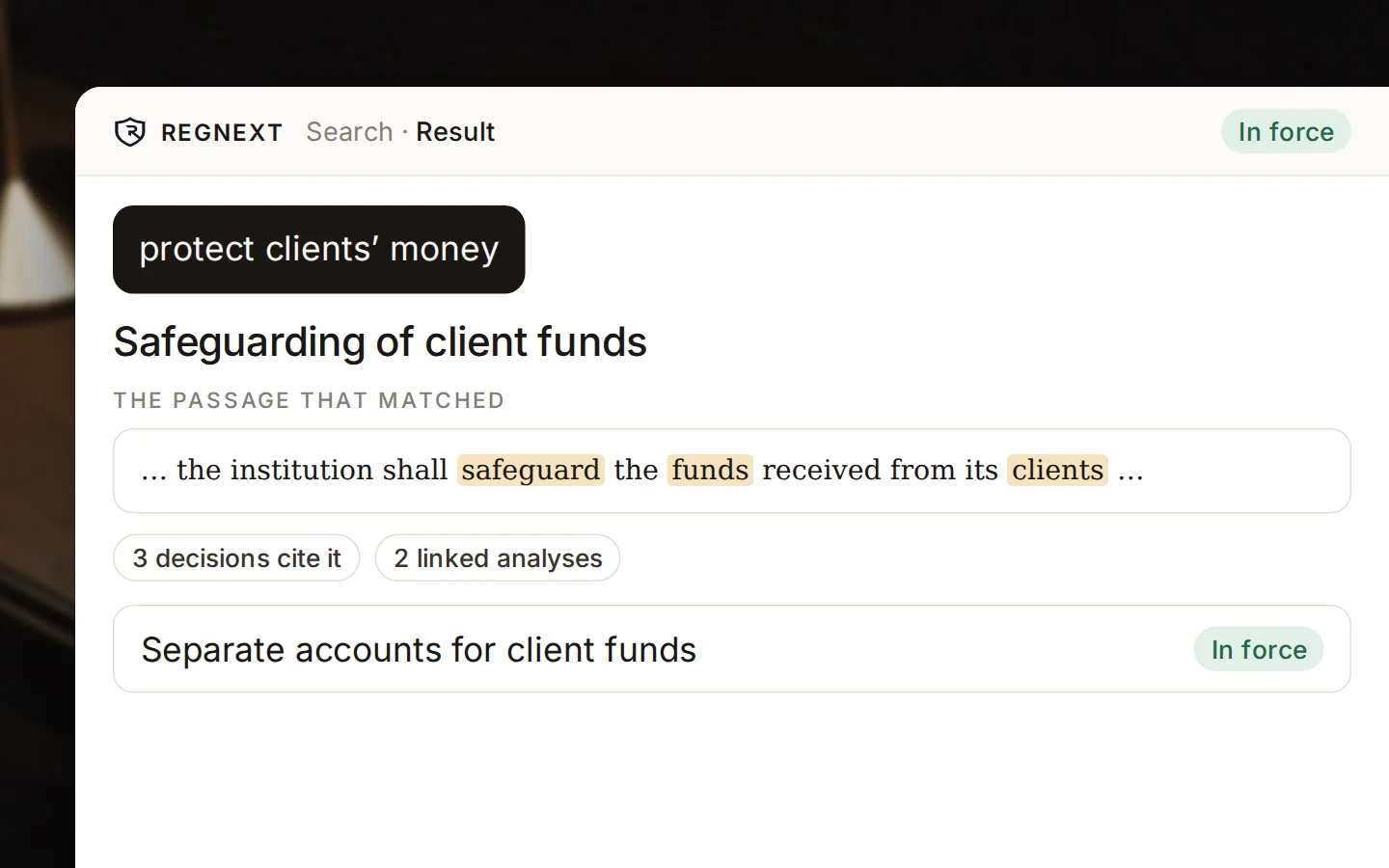
Search the law by the exact words, by meaning, or both ranked together. Every result shows whether the text is in force, the passage that matched, and the decisions that cite it.
Three ways to search
The articles that contain the term, for when you know how the text puts it.
The articles about what you mean, even when they don’t use your words.
Exact matches first, completed by meaning — one list, nothing missed.
Every result
Each result tells you whether the text is in force, shows the passage that matched, and brings the decisions that cite the article and the analyses linked to it.

From results to work
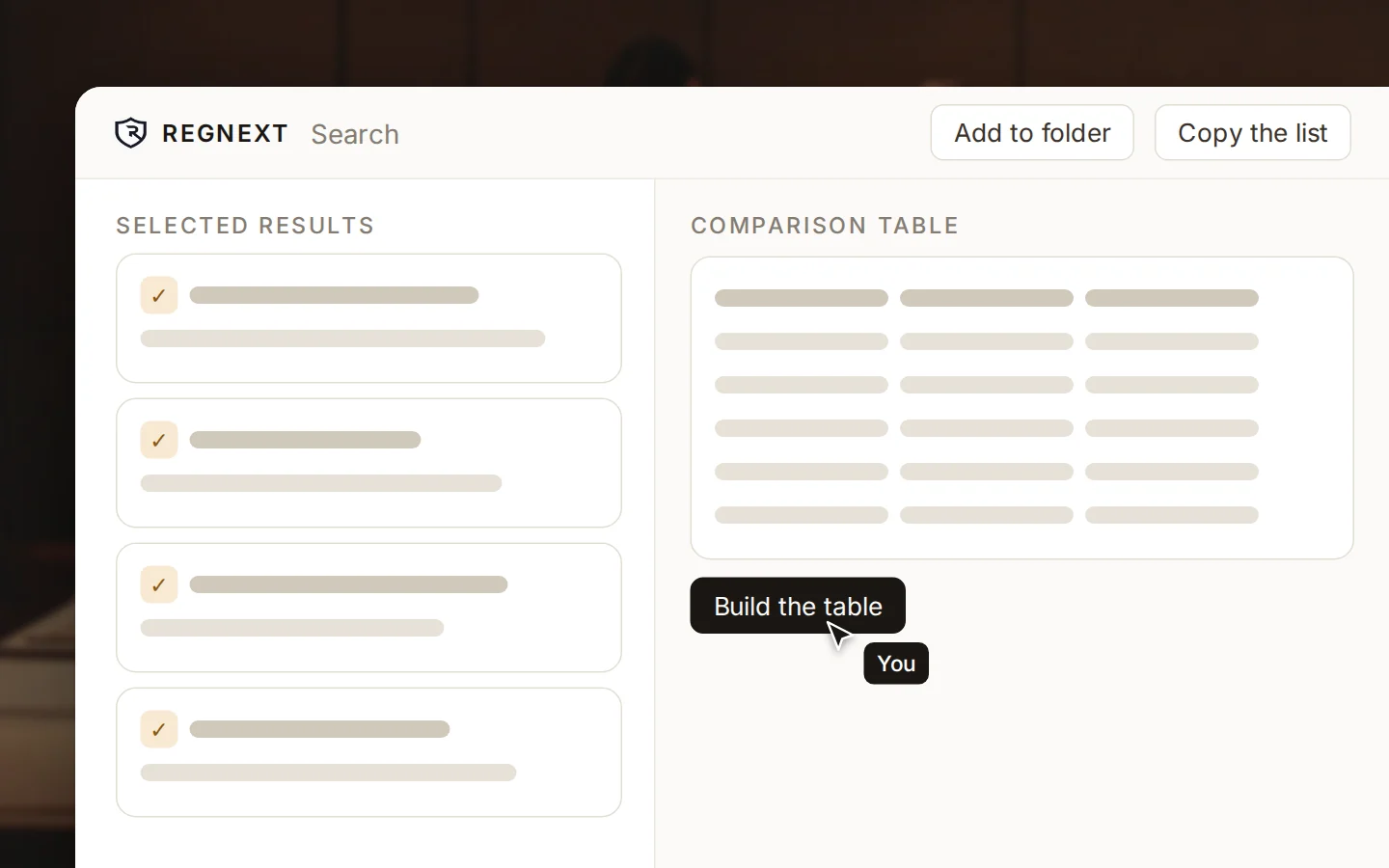
Pick the results that matter and put them side by side in a table, file them in a folder for later, or copy the list into a spreadsheet.

What you get back
Results come from the official texts, with their status.
Search shows you the law; it does not write an answer on top of it.
You see which words answered your query, and why a result is there.
A lawyer who knows how the text puts it searches the exact term and gets the articles that use those words.
A compliance officer describes the idea in plain words and finds the article that covers it, though the wording differs.
An associate selects the results that matter, builds a comparison table and files them in a folder for later.
Exact words returns the articles that contain your term. Meaning returns the articles about what you mean, even when the wording differs. Both ranked together puts exact matches first and completes them by meaning, in one list. That is the recommended way.
No. Search shows you the law and does not write an answer on top of it. Results come from the official texts, with their status, and you see which words matched your query. For a written answer with every article linked, ask Amanda.
Whether the text is in force, the passage that matched with the words highlighted, and the decisions that cite the article. You can filter by status, source, period or article number, then open the full entry with its versions and decisions.
Select between two and twenty-five results and build a comparison table from them. Add results to a folder and come back to them later. Or copy the list and paste it straight into a spreadsheet.

Explore how RegNext supports regulatory intelligence and compliance execution in your industry.